

Based on the supplied app screenshots, not verified operator policies. Payment limits, fees, timing and rewards are not confirmed. No account or payment details are collected here.
What the Card Pearl login screen shows
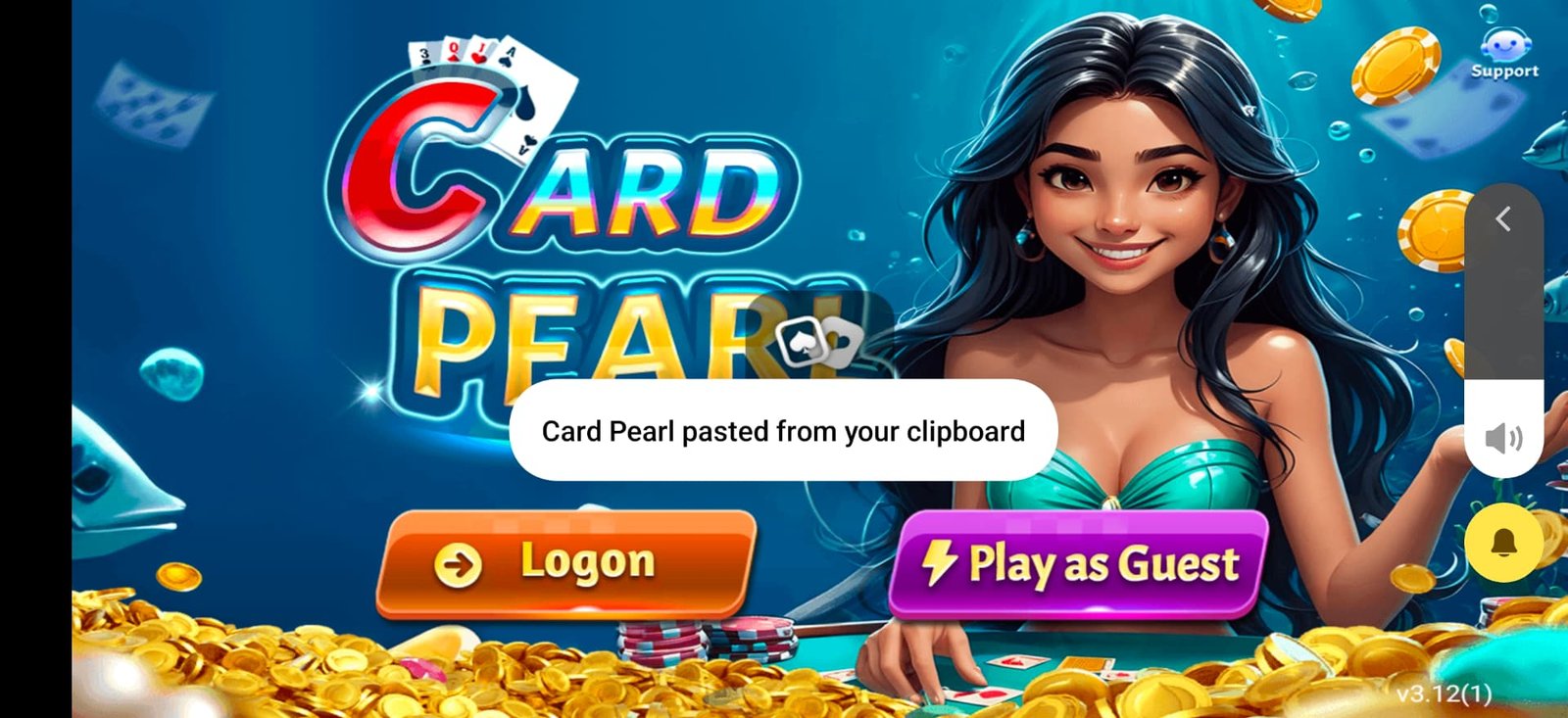
The supplied Welcome & sign-in screenshot shows two choices: Logon and Play as Guest. These are different forms of access. Guest access does not, by itself, establish that a profile has been linked to an email address or that it can be recovered on another device.
This independent website does not sign you into Card Pearl. The Login button opens the operator's website supplied by the owner; check the address and the operator's terms before entering any account details.
Checks before signing in
Use only a source you have independently confirmed with the operator. Look carefully at the domain, publisher information and security warnings; the Card Pearl name and artwork are not proof that a page is genuine.
If you already have an account, select Logon and use the sign-in method attached to that account. The supplied welcome image does not show the complete login form, so the exact fields and verification sequence cannot be confirmed here.
- Use your own linked email or phone number, where the confirmed form requests it.
- Use a unique password rather than one reused for email or another service.
- Keep passwords, captchas and one-time verification codes private.
- Check the profile after signing in to make sure you opened the intended account.
If Card Pearl login is not working
First check your connection and read the exact error message. A connection error, incorrect password and an account restriction require different responses. Avoid repeated attempts if the app reports that access is temporarily locked.
Use the recovery option actually offered by the confirmed app or operator. The screenshots do not establish whether password reset, phone recovery or email recovery is available. Do not create a second account simply to work around a restriction.
If you contact support, share the error text and approximate time of the issue, not your password or OTP. Remove personal identifiers before sending screenshots publicly.
Guest profiles and account recovery
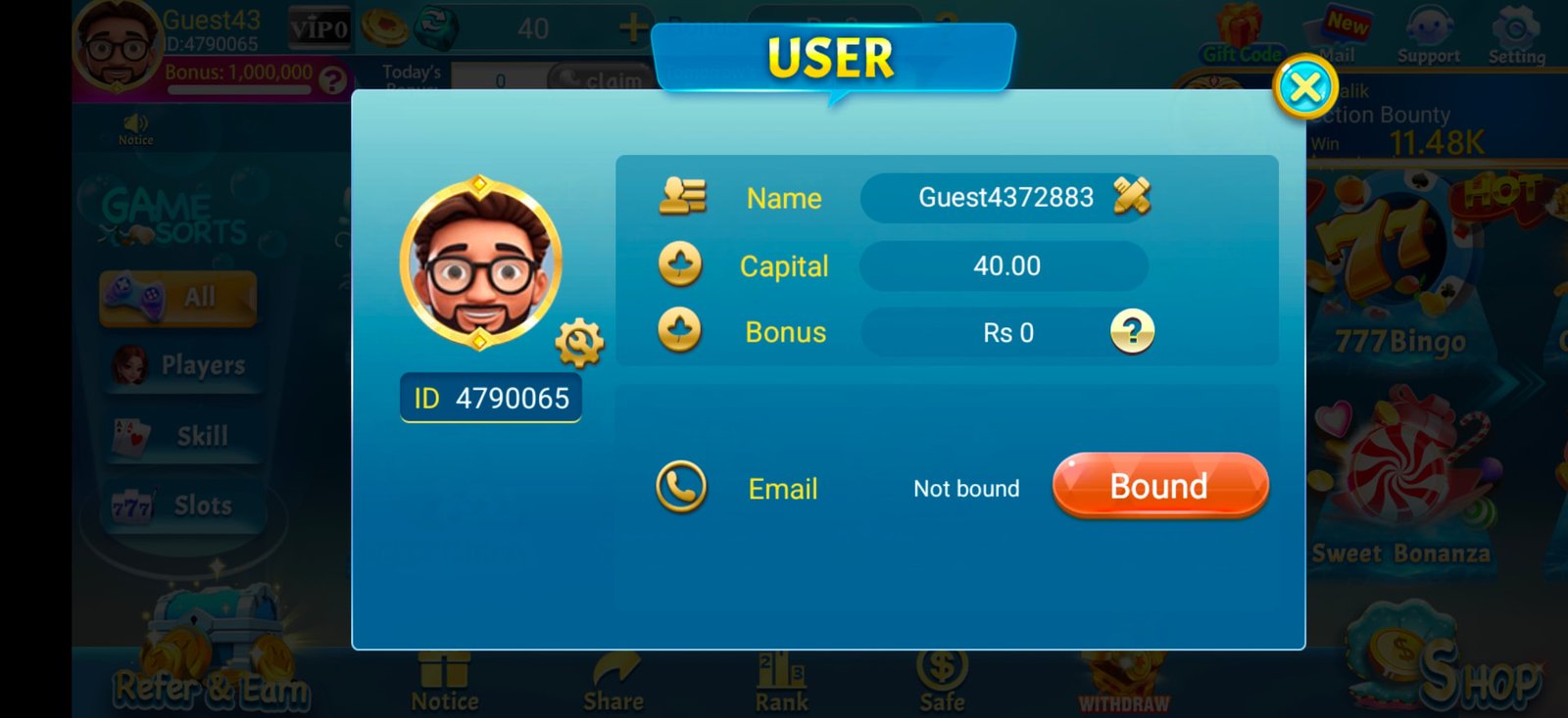
The User profile screenshot includes a guest name and a Bind Mail option. That suggests the interface offers a contact-linking feature, but it does not prove that every guest account can be recovered after reinstalling or changing devices.
Before deleting app data or reinstalling, confirm the operator's recovery rules and whether your profile has a recovery method. See the email-binding guide for an explanation of the supplied form.
Common questions
Can I log in through this website?
No. This is an independent guide, not the operator's login service. The Login button opens the owner-supplied external website; verify its address before entering personal details.
Is Play as Guest the same as Logon?
No. The screenshot presents them as separate options; guest access alone does not establish a recoverable linked account.
About this guide
Source: the owner's first 17 Card Pearl app screenshots. Interface labels describe those images, not a live verification of services or offers.
View the supplied app screens